
How West Virginia Mugshots Work
Booking photos are created during the booking process, but public access depends on the system, status, and record limits. In West Virginia, many county jail bookings route through WVDCR regional jail tools rather than a stand-alone county jail gallery. The regional jail search and Daily Incarcerations are the practical starting points for current custody. Court portals are needed when the question is charge status, dismissal, or disposition.
No page should promise a mugshot in every case. Public systems can change quickly, photos may not be displayed for every entry, and records may drop from public view after release or status changes. Federal agencies generally do not publish booking photos through the BOP locator, and immigration detention uses ICE ODLS rather than a county mugshot gallery.
The West Virginia regional jail search is the main custody path for current regional jail records.
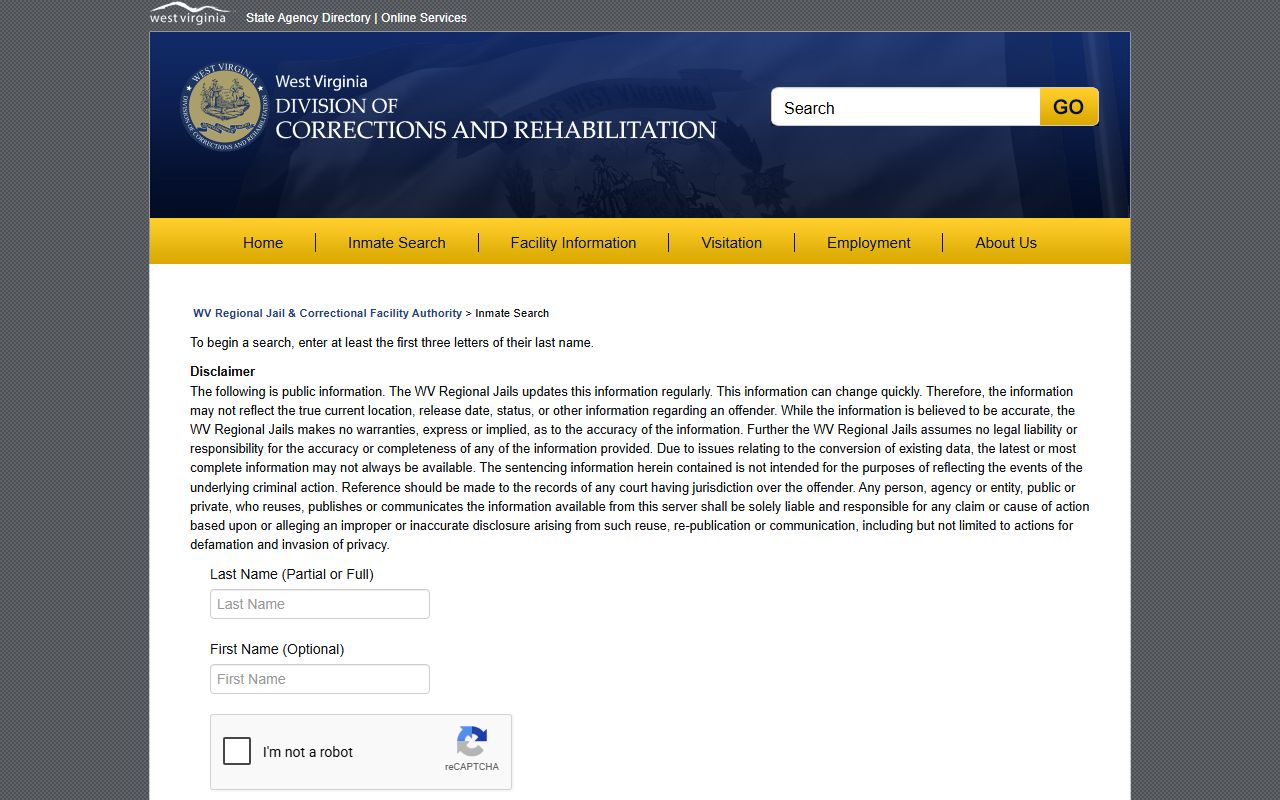
The roster search should be checked before relying on third-party reposts or old image copies.
Find West Virginia Booking Photos
The useful path is narrow: identify the county or regional jail, search the official custody tool, then open the profile or daily admission entry if available. If an online record does not show a photo, use FOIA or contact the custodian instead of assuming a commercial mugshot site is accurate.
- Start with the county of arrest or the facility name, if known.
- Search Daily Incarcerations for recent admissions by county or institution.
- Use the regional jail search by last-name prefix for current regional jail custody.
- Use the County Directory when a sheriff, police department, or court clerk record is needed.
- Request a record from the custodian if the photo is not online and no exemption applies.
The Daily Incarcerations page supports recent West Virginia booking checks.
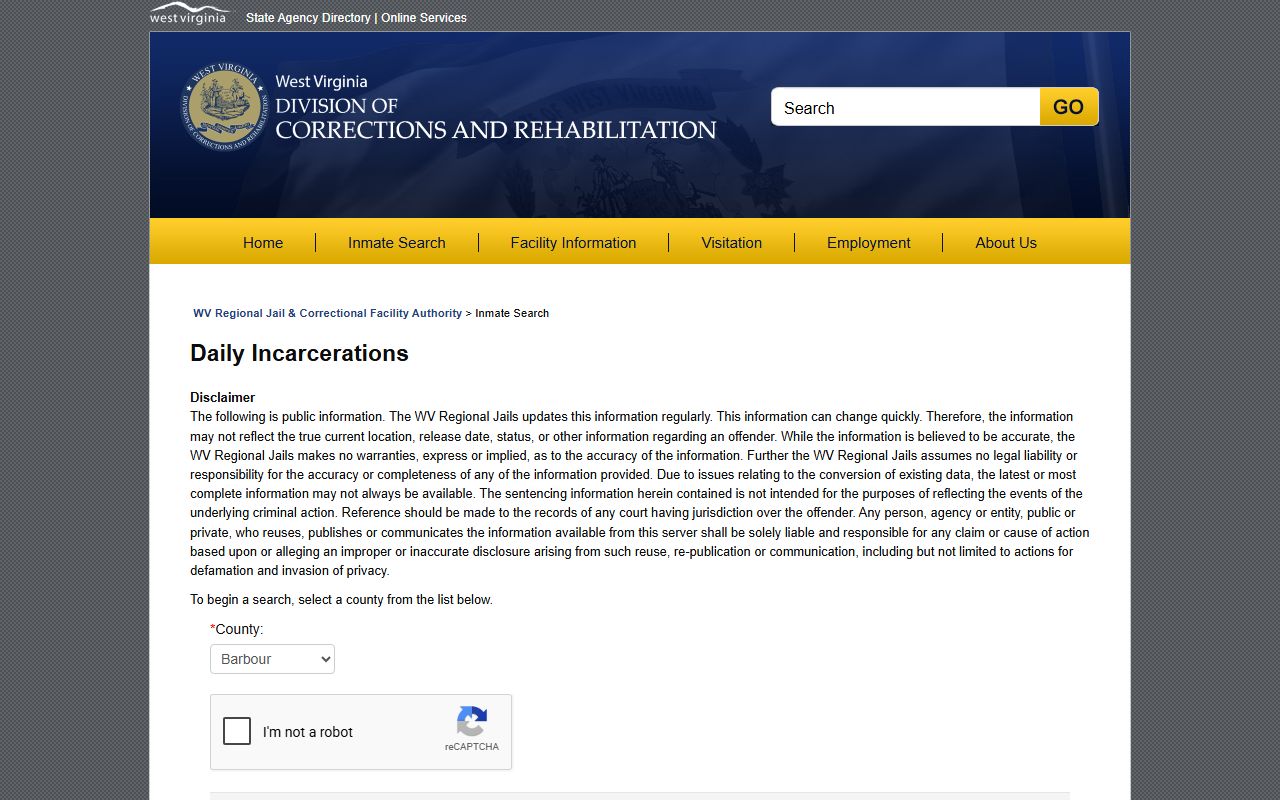
Daily admission tools can help identify the correct institution before a deeper records request is made.
What a Booking Record Shows
A booking-photo record is usually part of a larger custody entry. The fields can vary, but users commonly compare the name, booking or offender number, facility, booking date, charges, bond or status cues, and photo availability. WVDCR disclaimers caution that information can change quickly and may not reflect true current location, release date, or status.
| Field | What it shows |
|---|---|
| Booking photo | The intake image if the public system displays it. |
| Name and identifiers | Identity data used to distinguish similar names. |
| Booking or offender number | A jail or WVDCR identifier for the custody record. |
| Facility | The regional jail, prison, or custody location listed. |
| Charges | Booking or court-related charge cues that should be checked against court records. |
| Status | Current custody or release information shown by the portal. |
Are West Virginia Mugshots Public
West Virginia FOIA starts with a public-access rule, but booking-photo access is not the same as unrestricted republication or a promise that every image remains online. Section 29B-1-3 gives the public a right to inspect or copy nonexempt public records from the custodian. Section 29B-1-4 lists exemptions that may limit access, including personal or medical privacy, law-enforcement investigation records, information exempt by statute, internal memoranda, and security-sensitive records.
The custodian rule is important for West Virginia mugshots because the holding facility, arresting agency, and court can be different offices. A regional jail may show current custody. A police department may keep an incident or arrest report. The court may hold the order that changes public access later. Requests should go to the office that actually keeps the photo or record.
Public-records rule: Ask the public body that keeps the booking photo, identify the person and date range, and expect exemptions for restricted records.
The West Virginia FOIA inspection and copying statute controls the request process for nonexempt public records.
Mugshots and Court Records
A booking photo does not prove guilt. It reflects an arrest and booking event. The court record shows what charges were filed and how the case changed. A dismissal, amendment, plea, indictment, or conviction belongs in court records after a jail arrest, not in the image alone. For charge status and disposition, use court portals and clerks.
The West Virginia Judiciary court-record access page is the statewide starting point for court checks tied to a booking photo.
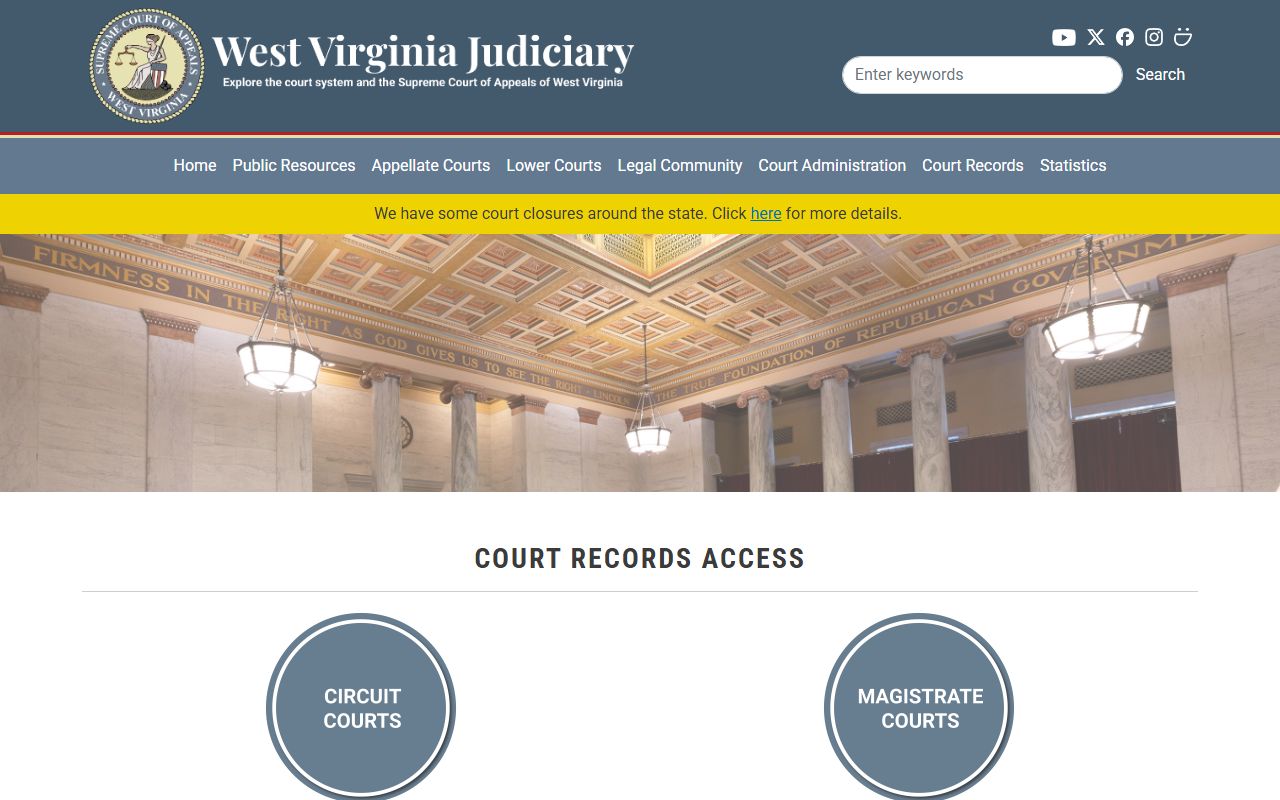
Court lookup is the best way to avoid treating an old booking image as the final case outcome.
State Prison and Federal Photos
State prison search is different from a jail mugshot search. The WVDCR prison and supervision tool is for offenders under active supervision, in prison, or on parole status only. It is not a statewide mugshot gallery. Federal BOP searches are separate and do not serve as a public booking-photo feed. ICE ODLS also has its own purpose and fields.
The WVDCR prison and supervision search should be used when the person is in sentenced state custody rather than regional jail booking custody.
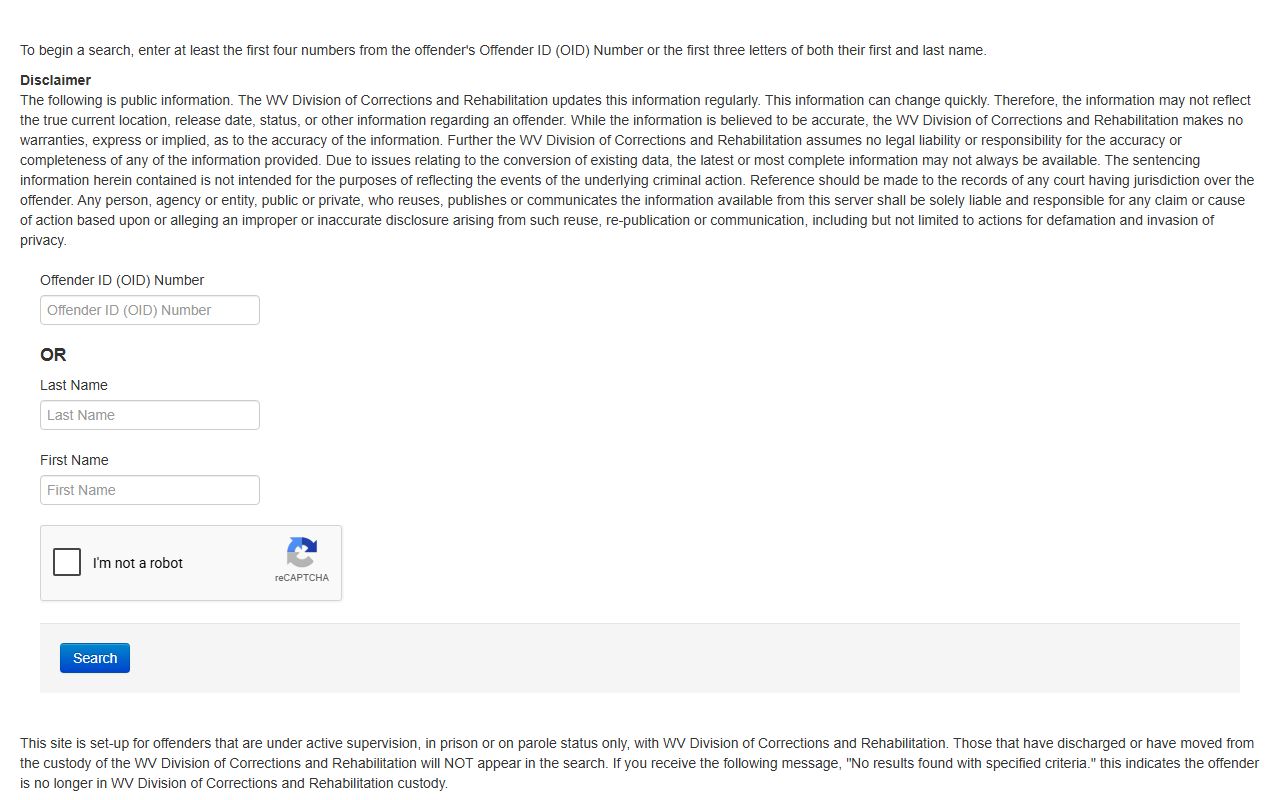
A prison locator result should be read as state custody information, not as a county booking-photo page.
Mugshot Removal and Restricted Records
The responsible route for a problematic booking photo is the official record route, not a pay-to-remove site. If a case was dismissed, sealed, expunged, or restricted, the court order and the custodian's procedures control what can be changed or withheld. Juvenile records and certain investigative, victim, medical, or security-sensitive records may be restricted under law. A user seeking relief should check the court record, obtain the order if one exists, and contact the custodian that controls the image.
When a photo is tied to a case outcome, the court record should be checked first. A dismissal or amended charge on the docket does not automatically remove every public copy of a booking image, but it gives the requester the right starting document. A precise request should identify the booking agency, date, person, case number if known, and the order or disposition that supports the request.
What is and is not public: Current custody images may be public in official systems, but sealed, juvenile, medical, victim, and security-sensitive records can be withheld.
The West Virginia VINELink portal is a notification tool, not a mugshot-removal or image-publication system.
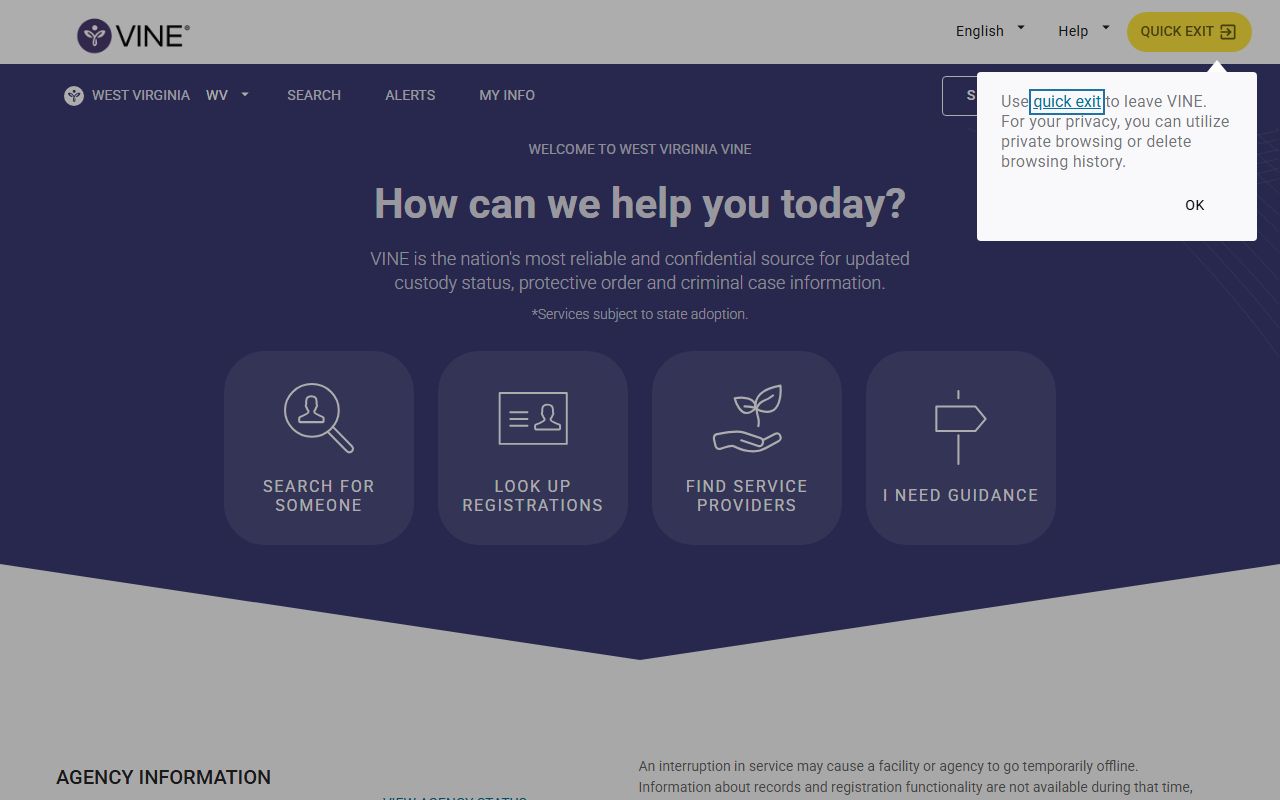
Use VINE for status alerts when safety or notification is the goal, not for photo publication.
Official Photos vs Reposts
Official West Virginia booking-photo work should rely on WVDCR, the arresting agency, the court record, and the lawful records custodian. Commercial reposts can be stale, incomplete, duplicated, or detached from the final court outcome. They may keep images after release or after a case changes. They also do not control WVDCR custody status or court files.
For that reason, a West Virginia mugshot search should document the official path used: the regional jail search for current custody, Daily Incarcerations for recent admission context, court portals for case status, and FOIA requests when a nonexempt image is not shown online. If a record is sealed or expunged, the court order and the custodian's response matter more than any reposted image. The same logic applies when a person moves from regional jail to state prison. A prison locator entry may show state custody, but it does not prove that the original booking image remains public or current.
Public readers should also separate identity from outcome. A booking photo can help confirm that the correct person was booked, but it does not show whether the charge was amended, reduced, dismissed, or resolved by plea. Court records after the arrest are the right source for those later changes.
| Need | Official route | Avoid relying on |
|---|---|---|
| Current jail booking photo | WVDCR regional jail search or custodian request | Old copied images |
| Dismissed or changed charge | Court record and clerk documents | Booking caption alone |
| Custody notification | West Virginia VINE / VINELink | Photo repost sites |
Public Record Search
Sponsored Results